
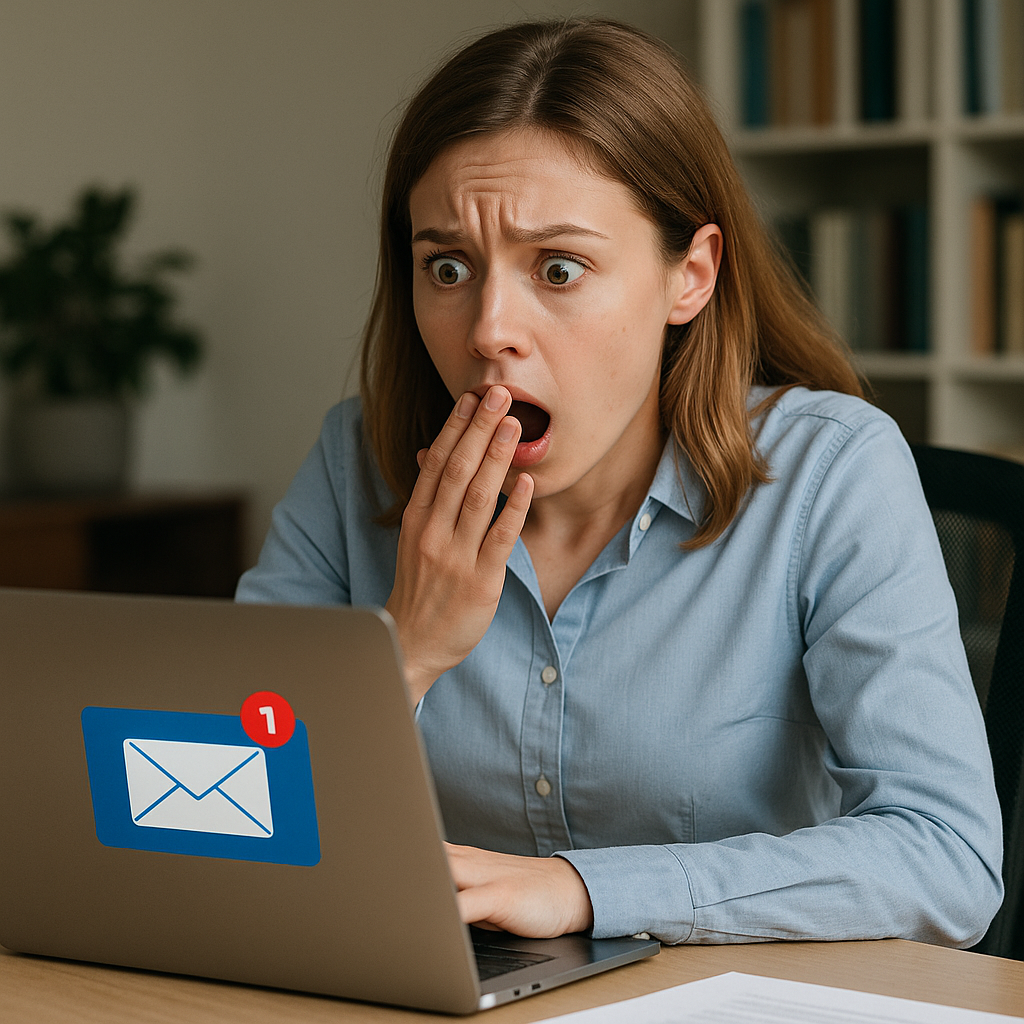
It’s a familiar move—annoyed by yet another marketing email, you scroll down and dutifully click “unsubscribe.” But in today’s cybersecurity climate, that well-intentioned click could be doing more harm than good.
Wait, Isn’t ‘Unsubscribe’ Supposed to Help?
Not always. Cybercriminals have latched onto the humble unsubscribe link as a cunning way to identify active email accounts, harvest personal data, and even redirect unsuspecting users to malicious websites.
DNSFilter’s CTO, TK Keanini, recently told The Wall Street Journal that these links are increasingly being weaponised. According to their data, roughly 1 in every 644 unsubscribe clicks leads to a harmful destination. Multiply that across billions of emails per day, and the risk becomes less theoretical—and more inbox-shaped.
How the Scam Works
A dodgy unsubscribe link isn’t just about nuisance. It can:
- Redirect you to a spoofed site that steals your login credentials.
- Trigger malware downloads or install tracking cookies.
- Signal to attackers that your inbox is “live,” inviting future phishing attempts.
In short: what you thought was a tidy clean-up becomes an open door.
“But It Looked Legit…”
That’s the catch. Some unsubscribe links appear professional—but clicking takes you out of the safety of your email platform and onto the Wild West of the open web, where you’re far more vulnerable.
As Keanini notes: “You won’t necessarily see the scam. You’ll just become the next target.”
Safer Ways to Ditch the Spam
Here’s how to clean your inbox without compromising security:
- Use built-in unsubscribe options – Gmail, Apple Mail and Outlook all offer trusted unsubscribe buttons rendered by the email client, not the sender.
- Mark it as spam – This teaches your email platform what to filter in future.
- Block the sender or set up filters – A few clicks now save headaches later.
Use Email Aliases or Masking
Gmail’s plus addressing (e.g. yourname+shopping@gmail.com) and Apple’s Hide My Email feature both allow you to track, manage, or bin addresses if they get spammed. Useful for marketing sign-ups, trials or online shopping.
A Word to Businesses (and Their Marketing Teams)
This isn’t just a user issue. Businesses need to earn trust with every marketing email they send. That means:
- Using industry-standard unsubscribe headers.
- Avoiding suspicious redirects.
- Clearly stating how data is handled.
Failing to do so could mean your messages are binned, flagged as spam—or worse, marked untrustworthy.
Business Users Are Prime Targets
Unsubscribe bait is especially risky for business users, who often juggle personal and work accounts. One wrong click could leak client data, invite ransomware, or compromise internal systems.
Cybersecurity training, phishing simulations, and using enterprise-grade protection (like Proofpoint or Mimecast) should now be standard operating procedure.
Security Checklist: Unsubscribe the Smart Way
- ✅ Use the unsubscribe button built into your email app.
- ❌ Don’t click unsubscribe links in unknown or suspicious messages.
- ✅ Use email protection tools like Safe Links (Microsoft 365).
- ✅ Train staff regularly on email safety.
- ❌ Don’t assume that a professional-looking email is safe—it might not be.
Final Thought
The unsubscribe link—once a symbol of inbox control—is now a potential weak point. For UK businesses, it’s time to reassess how email is handled, both inbound and outbound.
Sometimes, the safest way to unsubscribe… is not to click at all.